Most people who need to message multiple people on Facebook discover the same frustrating limit within minutes: the only built-in option is a group chat, and a group chat is not what a business actually wants. Replies pile up in front of everyone, people mute the thread, and the personal touch disappears. MKT Care is the Windows software built to send separate, individual messages to many contacts from isolated accounts. This guide covers why the native options fall short, what to look for in a better approach, how MKT Care handles it, and the questions people ask before they start.
I. Difficulties Businesses Face When They Message Multiple People On Facebook Manually
The first difficulty is the group chat itself. Facebook’s own Messenger help pages explain that a group chat can hold up to 150 people, and that is the closest thing the platform offers to sending one message to many. But a group chat is one shared conversation. Every reply is visible to every member, one curious person can start a side discussion, and anyone who gets annoyed can mute or leave in a single tap.
The second difficulty is time. Copying the same message into a hundred separate conversations means opening each profile, pasting, personalizing the first line, and sending. At two minutes per contact, a list of two hundred people eats an entire working day, and that day is repeated every time a new offer or announcement needs to go out.
The third difficulty is consistency. When messages are sent by hand, follow-ups slip, some contacts get the offer twice, and others never get it at all. There is also no record of who replied, which makes it impossible to tell whether the outreach is working or whether the wording needs to change.
The fourth difficulty is risk. Pasting the same text into many chats in a short burst is exactly the pattern Facebook’s systems are built to notice. A person doing it from one account at high speed is far more likely to hit a warning or a temporary block than someone sending the same volume at a steady, human pace.
The pain looks slightly different depending on who is doing the sending. Small shops with a few hundred past customers want to announce a restock or a promotion without spamming a group chat. Agencies need to message multiple people on Facebook for several clients at once, each with its own tone and its own list. Local service businesses simply want to follow up with every inquiry the same day. In all three cases the real need is identical: many separate, personal conversations started quickly and tracked properly.
II. Why Should You Use MKT Care To Message Multiple People On Facebook Individually?
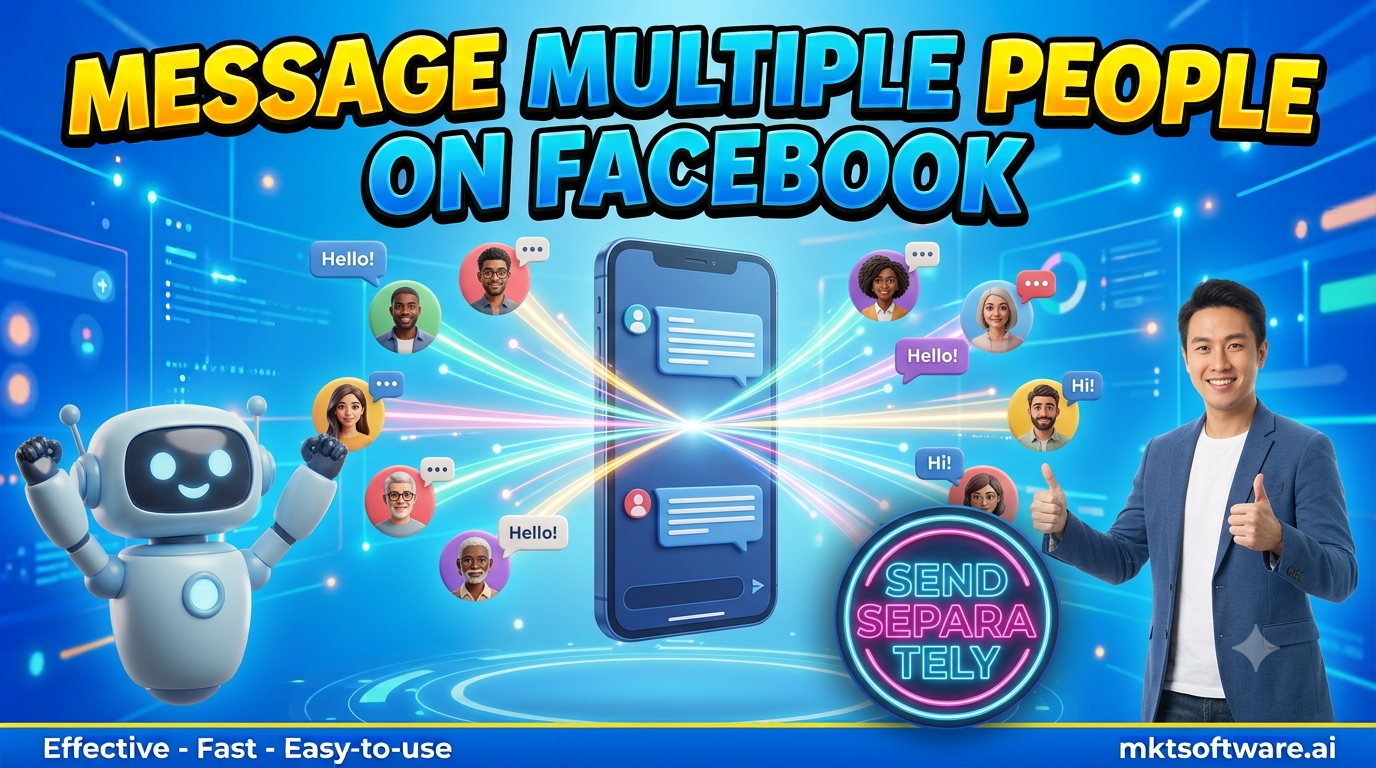
The main reason is that each person receives a normal one-to-one message. The conversation looks and feels like an ordinary Messenger chat, replies come back privately, and nobody sees who else was contacted. For a business, that is the difference between a conversation that can lead to a sale and a broadcast that gets ignored.
The second reason is personalization. A tool that can insert a first name or a short custom line makes a message read as written for one person, and that small change is often what separates a reply from silence. When you message multiple people on Facebook with a slightly different opening for each segment, response rates are consistently better than with one identical text.
The third reason is time. A list that would take a full day by hand can be queued once and sent across the day at a safe pace, while the team works on the conversations that actually reply. And the fourth is visibility: every send and every reply is logged in one place, so it is clear what worked.
It fits naturally with the rest of the Facebook toolkit too. Teams already comparing Facebook bulk messaging approaches, or reading about a Messenger blast tool, will recognize the same foundation here; this guide simply focuses on the group-chat problem that sends people looking for a better way in the first place.
III. Criteria When Choosing The Right Way To Message Multiple People On Facebook
Not every method that promises to help you message multiple people on Facebook solves the same problem, and the differences show up quickly once a real list is involved. Five criteria matter most.
- Individual delivery: every contact should get a separate conversation, not a shared thread where replies are visible to everyone.
- Account isolation: each sending account should run in its own browser profile with its own proxy, so one flagged account does not take the others down with it.
- Human-like pacing: randomized gaps between sends and sensible daily limits per account, rather than a fixed burst.
- Personalization and segmentation: the ability to vary the opening line and the offer by group instead of sending one flat text.
- Logging and reply tracking: a clear record of what was sent and who answered, so results can be reviewed and improved.
Checking a method against this list takes about an hour. Skipping the check and finding the gaps after a month of daily use costs far more, usually in the form of a restricted account and a contact list that has already been used up.
IV. Overview Of The Best Way To Message Multiple People On Facebook – MKT Care
MKT Care is built around exactly those five criteria. It runs on Windows and gives each sending account its own isolated browser session with proxy support. Setup is simple: import contacts as a CSV, tag them into segments, write a few message variants, set the pace, and let the queue run across the day.
Every message goes out as a normal individual conversation, so the replies arrive privately and can be answered one by one, which is exactly what people want when they look for a way to message multiple people on Facebook without a shared thread. A dashboard shows what was sent, what was delivered, and which segment and message variant each reply came from. If you want a wider look at the same ecosystem, the guide to a Facebook auto message sender covers the sending side in more depth.
One honest boundary: MKT Care is desktop browser-automation software, not an official Meta product. Isolation and sensible pacing reduce risk but do not remove it, and every operator remains responsible for following Facebook’s terms. The practical rule is to message people who already know the business, for example past customers, people who messaged the Page, and leads who asked for information, and to keep each account’s daily volume modest.
V. Frequently Asked Questions When You Message Multiple People On Facebook
Q: Can I message multiple people on Facebook without creating a group chat?
Not with Facebook’s built-in tools, which only offer group chats. A tool like MKT Care sends a separate individual message to each contact, so no shared thread is created and replies stay private.
Q: How many people can I message at once on Facebook?
A native Messenger group chat is limited to 150 people according to Facebook’s help pages. With individual sending, the limit is not a single number; it depends on how many accounts you use and how fast you pace each one.
Q: Will Facebook block my account if I message many people?
It can, if the activity looks like a script: the same text, a fixed rhythm, one account sending hundreds of messages in an hour. Isolation, randomized pacing, and modest daily limits per account lower the risk, but they cannot remove it entirely.
Q: Who is it appropriate to message?
People with an existing relationship to the business: previous buyers, people who contacted the Page, and leads who requested information. Messaging strangers in volume is both ineffective and the fastest way to get reported.
Q: Can each message be personalized?
Yes. MKT Care lets you vary the opening line and the offer by segment, and insert the contact’s name, so each message reads as written for one person.
Q: How long does it take to send a first campaign?
Most people have a first segmented campaign queued within an hour of installing: import the contacts, tag the segments, write two or three variants, and set the pace.
VI. See MKT Care In Action
Watch the walkthrough below to see how MKT Care sends individual messages to many contacts from a single queue.
Conclusion
To message multiple people on Facebook well, the goal is not to reach as many inboxes as possible; it is to start many real one-to-one conversations without the group chat, without the all-day copy-and-paste, and without the pattern that gets accounts flagged. MKT Care sends individual messages at a steady pace from isolated accounts and keeps a clear log of what happened, so a small team can follow up with every warm contact instead of only the few they have time to type to by hand. Businesses that keep relying on group chats and manual pasting are not just slower; they are limiting every campaign to the number of conversations one person can type in a day.
Contact MKT Software
MKT Software – the leading marketing automation suite for serious operators.
- Address: 4th Floor, Stellar Garden Building, 35 Le Van Thiem Street, Thanh Xuan District, Hanoi
- Hotline: +84335648286
- WhatsApp: +84335648286
- Telegram: @vietlongmkt
- Email: [email protected]
- YouTube: @marketingtool_mktsoftware