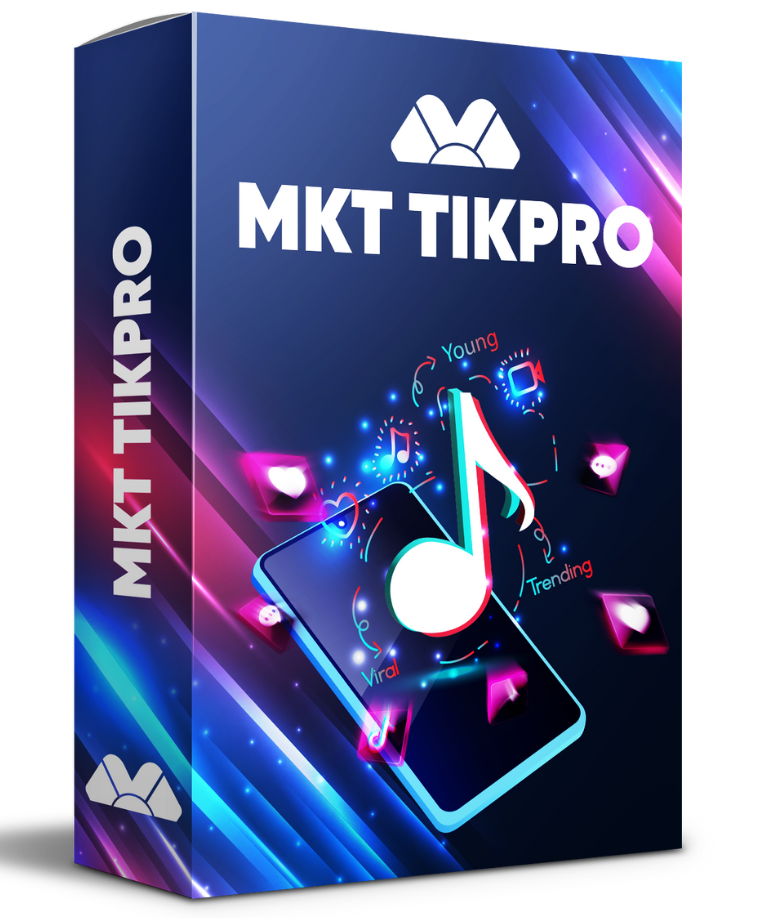
Hosts who run regular streams eventually ask the same question: can a TikTok live comment bot keep the chat active without getting the account flagged? The honest answer is that it depends entirely on what the bot posts and how often. Used for welcome messages, offer reminders, and rules, it saves a host real effort. Used to fake a crowd or flood someone else’s stream, it is exactly the behavior platforms act against. MKT TikPro is the Windows software built for the first use. This guide covers the spam question, the real benefits, the trade-offs, a safer way to set it up, and the notes worth reading before going live.
I. Does A TikTok Live Comment Bot Get Flagged As Spam?
It can, and the reasons are predictable. A TikTok live comment bot gets flagged when its comments look repetitive, arrive in rigid bursts, come from accounts with no history, or add nothing to the conversation. Posting the same line every few seconds is the clearest example, because no real viewer behaves that way and both the audience and the platform notice immediately.
The deeper issue is intent. TikTok’s Community Guidelines include rules on fake engagement, which covers using automation to make a stream look more popular or more active than it really is. A bot that pretends to be an audience sits on the wrong side of that line no matter how well it is paced. A bot that helps a real host communicate with a real audience is a very different thing.
There is also a practical consequence beyond the platform. Viewers who join a live and see the same copy-pasted comment repeating assume the stream is low quality and leave. So the question is not only whether the account will be flagged, but whether the automation makes the stream better or worse for the people actually watching.
Context matters as well. A message that suits a product demo, such as a reminder about stock or a discount code, would feel out of place during a Q&A, and a welcome line repeated to the same viewers every few minutes quickly becomes noise. The safest approach with any TikTok live comment bot is to treat the message list the way a human moderator would: short, relevant to what is happening on screen, and posted only when it adds something.
II. Why Should You Use A TikTok Live Comment Bot To Boost Business Revenue?
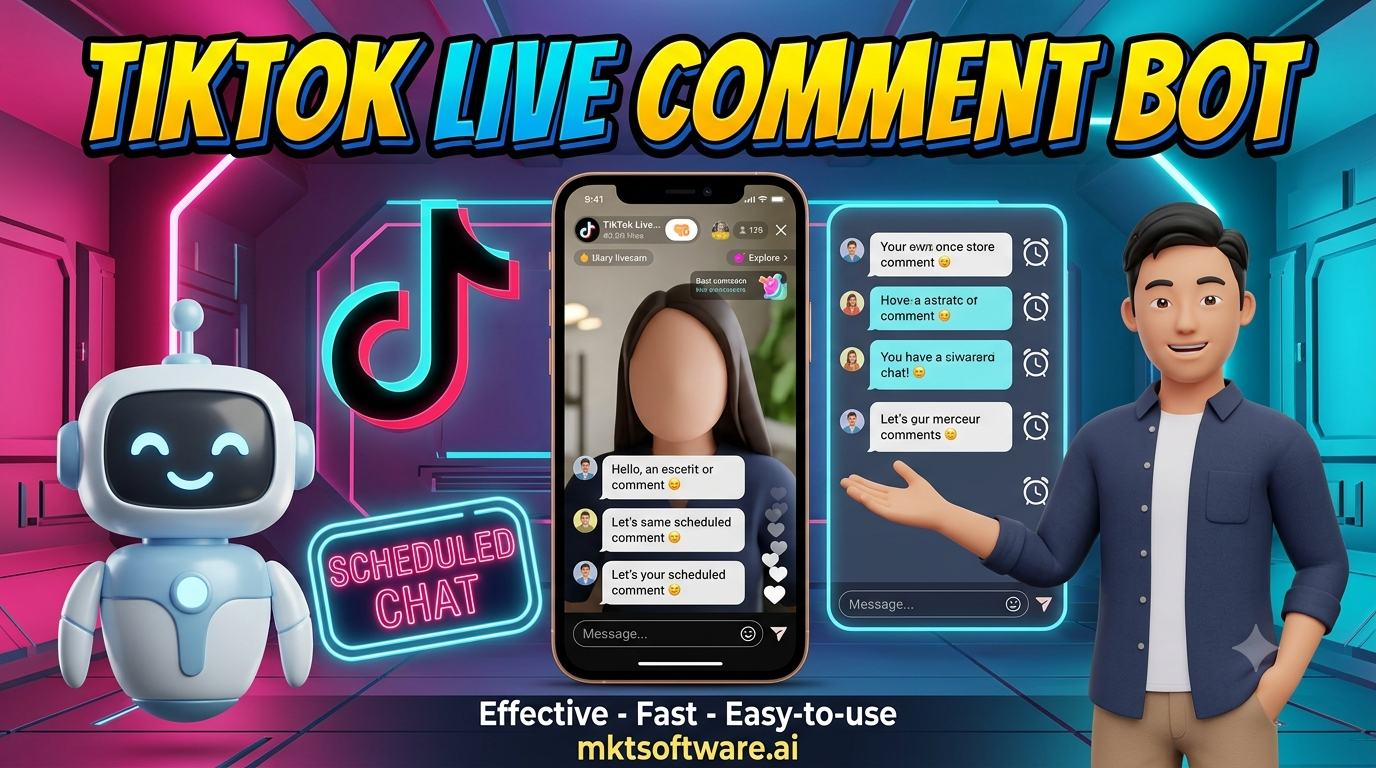
For sellers and brands that stream regularly, the benefit is consistency. A host who is demonstrating a product, answering questions, and watching the screen cannot also remember to repeat the offer every few minutes, mention the discount code, or welcome everyone who joins. A TikTok live comment bot handles those repetitive messages so the host can focus on the content.
That matters for revenue because viewers join and leave constantly. Someone who arrives ten minutes into a stream has missed the opening announcement, the price, and the instructions for ordering. A well-timed reminder in the chat gives every new arrival the same information the first viewers got, which is often the difference between a visitor who watches and a visitor who buys.
It also helps teams. A brand running several streams a week, or several streamers under one account structure, can keep a consistent set of messages across all of them instead of relying on whoever is moderating that night to remember the details.
III. Advantages And Disadvantages Of TikTok Live Comment Bot Software
The advantages are practical. Reminders go out on schedule, welcome messages reach everyone, the host stays focused on the stream, and every message can be prepared in advance and reviewed rather than improvised under pressure.
The disadvantages deserve equal honesty. Automated messages can feel impersonal if they are not written carefully. Poor pacing makes the chat look scripted. Overuse can annoy regular viewers who see the same reminder again and again. And any automation that touches a live platform carries some risk, because platforms change their detection and their rules without notice.
The balanced view is that a TikTok live comment bot is a tool for supporting a host, not replacing one. Streams that use it sparingly, with varied and genuinely useful messages, tend to benefit. Streams that treat it as a way to manufacture activity tend to run into problems sooner or later.
Different kinds of streamers lean on this differently. Online sellers use it mainly for price and ordering reminders. Educators and coaches use it to repeat a schedule, a link, or the rules of a Q&A. Brands running launches use it to keep the same key message in front of viewers who join late. In every case the value comes from saving the host a repetitive task, not from making the stream appear busier than it is, which is why a TikTok live comment bot used for support tends to age better than one used for show.
IV. Revealing A TikTok Live Comment Bot Setup That Avoids Being Flagged As Spam
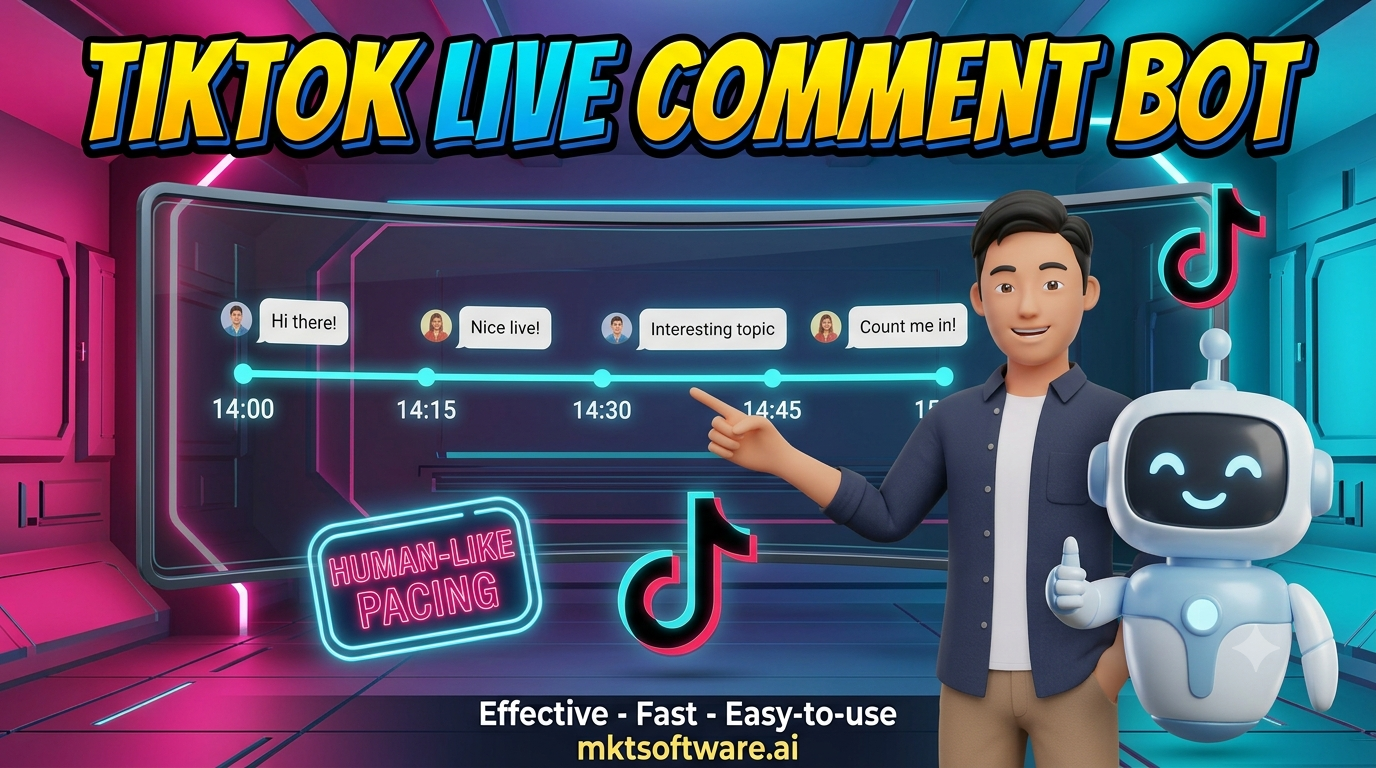
MKT TikPro runs on Windows and drives each account in its own isolated browser session with its own proxy, so accounts are not tied together by a shared fingerprint or connection. Messages are queued ahead of time and sent with randomized gaps rather than a fixed rhythm, which keeps the chat from looking mechanical.
The setup that works best is deliberately modest. Prepare a small library of varied messages: a welcome, an offer reminder, a how-to-order line, a question that invites real replies. Rotate them, space them out, and keep the volume low enough that a human moderator could plausibly have written them. The same engine also powers the broader workflows described in the guide to TikTok automation software.
It is worth separating this from commenting on videos. The article on a TikTok auto comment bot covers posting on other people’s videos, while a live comment bot works inside a stream chat in real time. They solve different problems and follow different rules, so they should be planned separately.
One boundary to state plainly: MKT TikPro is desktop browser-automation software, not an official TikTok product. Isolation and sensible pacing reduce risk but cannot remove it, and each operator is responsible for complying with TikTok’s terms and community guidelines.
V. Important Notes When Using A TikTok Live Comment Bot
- Write messages that help a real viewer: a price reminder, an ordering step, or a question is useful; a repeated slogan is not.
- Vary the wording: rotate several versions of each message so the chat never shows the same sentence twice in a row.
- Keep the volume low: if a human moderator could not realistically type that many messages, the pace is too high.
- Never fake an audience: do not use automation to simulate viewers, likes, or reactions; that is both against the rules and obvious to real viewers.
- Do not spam other people’s streams: automation belongs in your own live, where the audience came to hear from you.
- Watch the first few minutes: stay present, read the real chat, and be ready to pause the queue if the room reacts badly.
- Use separate accounts and proxies: never run several accounts from one connection, because one problem should not spread to all of them.
Hosts who follow these habits usually find the automation fades into the background, which is the goal. Viewers should notice a helpful, well-run stream, not that there is software behind it, and a host who reviews the chat after each session can keep refining which messages actually earn a response.
It also helps to decide in advance what would make a stream pause the automation entirely. A sudden wave of negative comments, a technical problem on screen, or a sensitive topic coming up are all moments where scheduled messages stop making sense. Hosts who keep a simple checklist for those moments, and who know exactly how to stop the queue in a single step, rarely have a problem with their TikTok live comment bot, because they stay in control of what appears in their own chat.
VI. Demo: MKT TikPro Safe Workflow
Watch the short walkthrough below to see how MKT TikPro sets up scheduled, varied messages for a live stream with isolated accounts.
Conclusion
A TikTok live comment bot is worth using when it takes repetitive work off a real host and worth avoiding when it tries to fake an audience. The difference shows up in the details: varied messages, modest volume, isolated accounts, and a host who is actually present and watching the chat. MKT TikPro supports that careful approach by handling the scheduling and the account isolation, while the judgment about what to say stays with the person running the stream. Streams that keep that balance get the consistency and the saved effort without the attention of a platform looking for inauthentic activity.
Contact MKT Software
MKT Software – the leading marketing automation suite for serious operators.
- Address: 4th Floor, Stellar Garden Building, 35 Le Van Thiem Street, Thanh Xuan District, Hanoi
- Hotline: +84335648286
- WhatsApp: +84335648286
- Telegram: @vietlongmkt
- Email: [email protected]
- YouTube: @marketingtool_mktsoftware