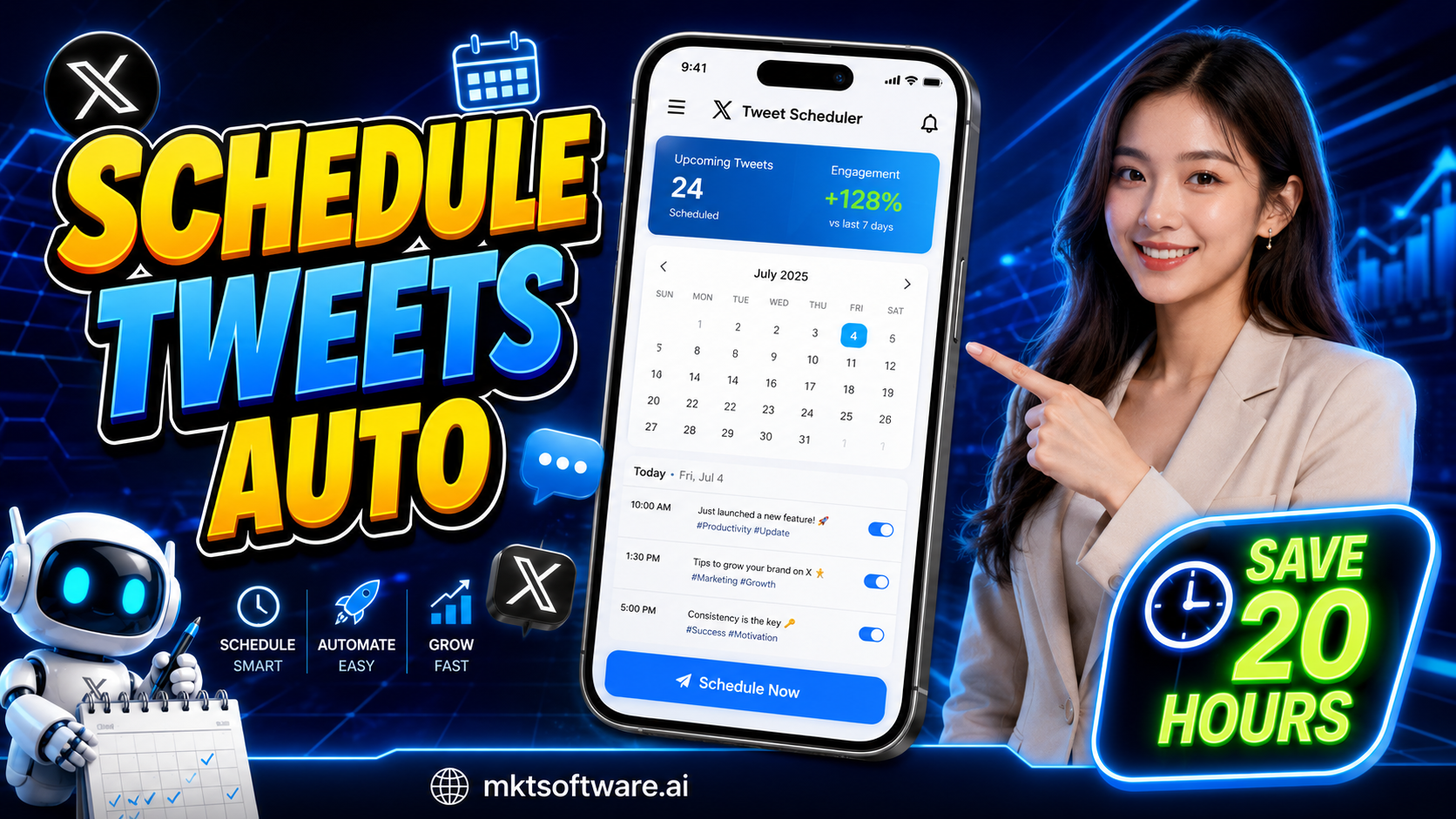
Learning how to schedule Twitter posts automatically is the single change that recovers the most hours in a marketer’s week in 2026, and the operators who do it well are shipping 5–10x more content without adding a single hour to their day. MKT X is the Windows desktop suite that builds a real posting calendar across dozens of X accounts, queues tweets weeks in advance, and ships them on humanized timing – no manual login required. This guide walks through why manual scheduling burns out fast, how to build a real automated calendar with MKT X, and the strategies that keep a scheduled queue performing for months.
I. How to schedule Twitter posts automatically for 20 saved hours a week
The operators who schedule Twitter posts automatically at scale treat the calendar as the single source of truth for the whole content operation, not as an afterthought bolted onto manual posting. That shift alone recovers 15–25 hours a week for a marketer running even a modest 5–10 account persona network, because the daily "what do I post today" decision disappears entirely – it was already answered three weeks earlier when the calendar was built.
The effective workflow has three layers: a content calendar built a week or two ahead, a persona-aware posting engine that respects each account’s own time zone and voice, and a monitoring dashboard that flags any slot that fails to post. The official X for Business tools support scheduling for a single advertiser account at a time, which is exactly the gap a real automation engine closes when the operator is running a persona network instead of one brand account. Teams already running the broader Twitter automation tool stack use the same calendar to plan both organic and promotional slots months in advance.
There is a mindset shift underneath the time savings. Once a marketer commits to a real calendar, the daily question stops being "what should I post today" and becomes "did last week’s calendar perform, and what should next week’s calendar look like." That single reframe is what actually recovers the hours – not the scheduling tool by itself, but the discipline of planning in blocks instead of reacting day by day. Marketers who schedule Twitter posts automatically and treat the calendar as a living document, reviewed weekly rather than set once and forgotten, are the ones who keep the time savings for the long run instead of drifting back into ad-hoc posting after a month.
II. Why manual scheduling doesn’t scale past a few accounts
Manual scheduling – setting reminders, opening a spreadsheet, copy-pasting into the native composer at the right hour – works fine for one account. It quietly collapses the moment a second or third account enters the picture, for four compounding reasons.
- Time-zone juggling: a US morning slot and an EU evening slot on the same day means the operator is either awake at odd hours or missing the window entirely.
- Spreadsheet drift: a manually maintained content calendar in a spreadsheet gets stale within two weeks – slots get double-booked, forgotten, or posted with the wrong account’s voice.
- No failure detection: if a manual post silently fails (login expired, rate limit, network blip) nobody notices until the weekly report shows a content gap.
- Zero compounding intelligence: a manual calendar can’t tell you which time slots or hook styles actually performed, so the next month’s plan is a guess, not a data-informed decision.
The teams that already moved past this with the how to auto post Twitter playbook on the blog describe the same breaking point clearly – somewhere around the third managed account, manual scheduling quietly becomes a part-time job by itself.
The deeper cost is opportunity, not just time. Every hour spent manually copy-pasting into the native composer at the right hour is an hour not spent on strategy, creative, or the reply-engagement layer that actually converts followers into customers. Teams that fail to schedule Twitter posts automatically tend to plateau not because their content is weak, but because the operator is too busy executing the mechanics of posting to ever step back and improve the strategy behind it.

III. How to schedule Twitter posts automatically with MKT X
MKT X is the 2026 release built for marketers who need to schedule Twitter posts automatically across a real persona network, not just a single brand account. It runs locally on Windows, drives a real Chromium engine per persona, and includes a full visual calendar where every queued tweet, image, and hashtag set is visible weeks in advance. One operator can build a month of content in an afternoon and let the engine execute it unattended.
The setup flow: import the persona list as a CSV, attach a residential proxy per account, drop the creative folder (tweet copy + image variants) into the watched directory, then drag content blocks onto the calendar per persona and per day. The engine takes over from there – it logs into each account on its own browser profile at the scheduled time, posts with rotated copy, and marks the slot complete on the calendar. If a slot fails, it retries once and then flags it in the alerts panel rather than silently skipping it. The same scheduling engine underpins the broader auto tweet for Twitter workflow already running for thousands of existing accounts.
Two details make the MKT X calendar hold up over months rather than weeks. First, each persona keeps its own time-zone and voice settings, so a single operator can plan US-morning, EU-evening, and SEA-prime slots on the same shared calendar without manual math. Second, the unattended-run mode executes the full week’s calendar even when the operator is offline, which is the actual mechanism behind the 20-hours-a-week time savings – the calendar runs itself once it’s built.
IV. Best strategies to schedule Twitter posts automatically for growth
Five habits separate the teams whose scheduled calendars keep performing from the ones that go stale after a month. These habits cost almost nothing in operator time once the calendar exists, which is exactly why so few teams bother to apply them consistently – and exactly why the teams that do end up pulling noticeably further ahead of the pack.
- Build in two-week blocks: plan 10–14 days of content at a time. Longer horizons drift out of sync with current trends; shorter ones defeat the point of scheduling.
- Reserve 20% of slots for reactive content: leave a handful of empty calendar slots each week for trend-jacking a viral topic. A 100%-locked calendar can’t react to anything.
- Rotate hook variants per slot type: tag each calendar slot with a hook style (question, stat, hot take, etc.) and rotate styles so the persona’s feed doesn’t read as repetitive.
- Review the failure log weekly: a scheduled slot that silently failed is a missed impression. Check the alerts panel every week and patch broken personas fast.
- Feed performance back into the calendar: tag which slots got the best engagement, and bias next month’s calendar toward those time windows and hook styles.
None of these five habits require extra tooling beyond a calendar view and a weekly fifteen-minute review session. What they require is discipline – the willingness to actually open the calendar every week rather than letting it run silently in the background. Teams that build this review habit into their Monday routine report noticeably higher engagement consistency than teams that set a calendar once at the start of the quarter and never revisit it until something visibly breaks down the line.
Teams pairing this calendar discipline with the tool auto post on Twitter safety playbook report the most durable results – calendars that keep performing for six months instead of going stale after four weeks. The compounding pattern is consistent across every account size: a calendar reviewed and refreshed weekly outperforms one built once and left untouched, by a wide and growing margin as the months add up.
V. Watch the MKT X scheduling demo
Watch the short demo below to see MKT X build and execute a full posting calendar across a persona network from a single dashboard.
Conclusion
The operators who schedule Twitter posts automatically with a real calendar-driven engine recover 15–25 hours a week and build a compounding library of what actually performs, week over week. MKT X turns that calendar into an unattended execution engine that respects persona voice, time zone, and safety limits – the daily posting grind disappears once the calendar is built. Pair it with the five habits above and the queue keeps performing for months, not weeks. Teams that make the switch in the first half of 2026 consistently report the calendar paying for itself within the first month purely on time recovered, before counting any of the growth upside at all.
Contact MKT Software
MKT Software – the leading marketing automation suite for serious operators.
- Address: 4th Floor, Stellar Garden Building, 35 Le Van Thiem Street, Thanh Xuan District, Hanoi
- Hotline: +84335648286
- WhatsApp: +84335648286
- Telegram: @vietlongmkt
- Email: [email protected]
- YouTube: @marketingtool_mktsoftware