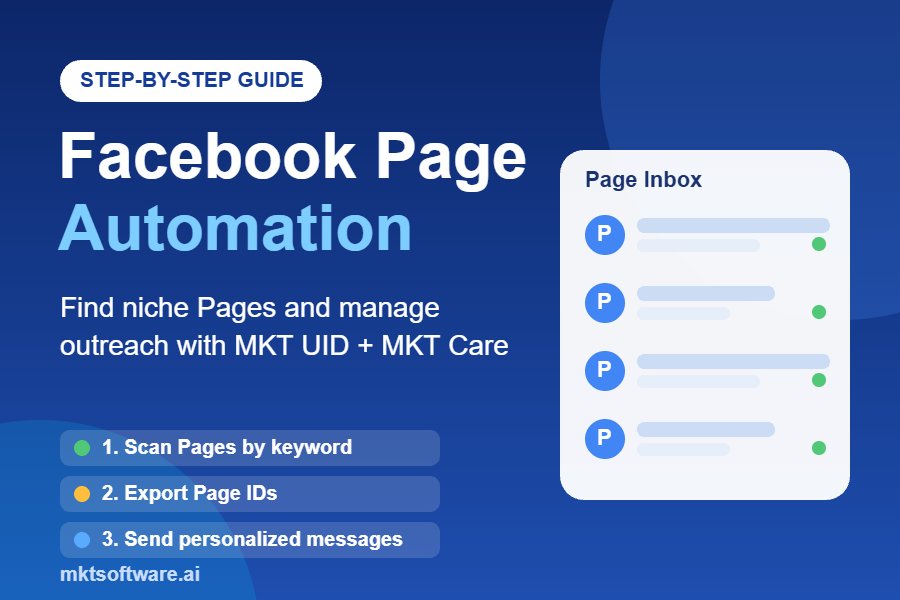
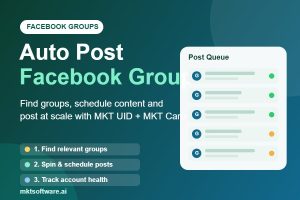
Posting manually in dozens or hundreds of Facebook groups every day can consume hours of your marketing team’s time. You need to find relevant communities, join the right groups, prepare engaging content, and publish consistently without losing control of your Facebook accounts. This is where learning how to auto post Facebook groups can transform your marketing workflow. With MKT UID for group research and MKT Software’s automation tools for account management and publishing, businesses can build a more organized Facebook group marketing strategy, reduce repetitive work, and reach potential customers more efficiently.
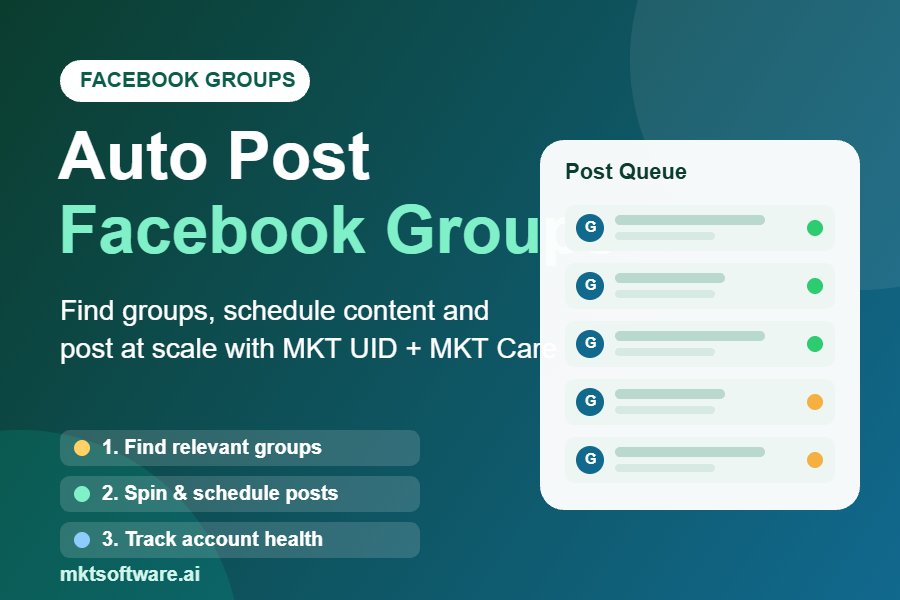
Auto Post Facebook Groups Video Tutorial
Watch the full tutorial to see how to auto post Facebook groups with MKT Care step by step:
What Does It Mean to Auto Post Facebook Groups?
To auto post Facebook groups means using software to organize, schedule, and publish content across multiple Facebook groups instead of manually opening each community and creating every post individually.
For businesses that rely on Facebook for customer acquisition, this approach can make content distribution more manageable. Rather than spending an entire morning copying and pasting the same promotional message, marketers can prepare content in advance and organize their publishing activities through a centralized workflow.
How Facebook Group Posting Works
A typical Facebook group posting workflow involves five activities:
- Group discovery: Find Facebook groups related to your products, services, industry, or target audience.
- Group organization: Review group relevance, membership requirements, posting permissions, and community rules.
- Content preparation: Create useful posts, promotional messages, images, and variations for different audiences.
- Scheduling: Organize publishing dates and times to maintain a consistent content strategy.
- Performance monitoring: Review post approval, engagement, account status, and audience responses.
A reliable Facebook auto poster should help simplify these activities without encouraging repetitive spam or ignoring individual group requirements.
Why Businesses Use Facebook Group Automation
Facebook groups bring together people who share interests, professional needs, and purchasing intentions. A well-selected community can therefore provide access to a highly relevant audience.
For example, a business selling skincare products may benefit more from participating in skincare and beauty communities than posting randomly in unrelated groups. Similarly, a digital marketing agency can focus on communities discussing online business, advertising, and entrepreneurship.
The objective is not simply to publish more posts. It is to distribute relevant information to communities where potential customers are already participating.
Benefits of Using a Facebook Auto Poster
Using a Facebook posting tool can improve the efficiency of your marketing operation, especially when you manage multiple products, campaigns, or Facebook accounts.
1. Save Time on Repetitive Tasks
Manual Facebook group posting requires repeated actions: searching for groups, opening each group, preparing content, and publishing individual posts.
Automation helps organize repetitive publishing tasks into a more manageable process. Your team can spend less time on routine distribution and more time developing content, answering customer questions, and improving conversion rates.
2. Expand Your Audience Reach
Posting in relevant communities gives your business additional opportunities to introduce products and services to interested audiences.
Instead of depending entirely on your Facebook Page’s existing followers, you can develop a broader community-based marketing strategy through groups that welcome relevant business discussions.
3. Maintain a Consistent Publishing Schedule
Consistency is important for building brand awareness. Scheduling allows marketers to prepare content ahead of time and plan campaigns around product launches, seasonal promotions, and other business activities.
4. Organize Multiple Facebook Accounts
Businesses and agencies sometimes manage several legitimate Facebook accounts for different teams or business activities. A structured account-management workflow makes it easier to monitor account status, organize responsibilities, and maintain operational visibility.
5. Improve Content Management
A centralized content library helps marketers reuse approved materials, update outdated promotions, and prepare different versions of messages for different communities.
This is particularly useful when running long-term Facebook group marketing campaigns that require regular content updates.
How to Auto Post Facebook Groups Using MKT UID and MKT Software
One of the most important parts of successful Facebook automation is building the right workflow before publishing anything. The following steps explain how to research communities, organize your groups, prepare content, and manage publishing activities using MKT Software.
Step 1: Find Relevant Facebook Groups with MKT UID
The first step is identifying communities where your target customers are active.
MKT UID is Facebook data research software designed to collect potential customer information from Facebook groups, Pages, posts, and competitor interactions.
For Facebook group marketing, MKT UID helps marketers research communities and identify audiences that may be relevant to their products or services.
For example, imagine you operate an online business selling fitness equipment. Instead of joining random groups, you can research communities related to:
- Home workouts and fitness training.
- Weight management and healthy lifestyles.
- Gym equipment and exercise accessories.
- Personal trainers and fitness communities.
- Sports and outdoor activities.
After identifying relevant communities, review their descriptions, membership requirements, activity levels, and posting rules.
This research-first approach helps you prioritize groups based on audience relevance rather than simply collecting the largest possible number of group links.
Learn more about the software: MKT UID – Facebook Customer Data Research Software.
Step 2: Join and Organize Facebook Groups
Once you have identified suitable communities, the next step is organizing your group list.
Not every Facebook group allows promotional content. Some communities require administrator approval, while others restrict external links or limit how frequently members can publish.
Before adding a group to your publishing plan, check:
- Whether the group matches your target audience.
- Whether commercial posts are permitted.
- Whether you need administrator approval to publish.
- Whether the group has specific content requirements.
- Whether the community is active and relevant.
Organize your selected groups into categories such as product niche, customer type, geographic location, and campaign objective.
For example, an agency managing campaigns for several clients can create separate group lists for beauty, technology, real estate, and education. This makes it easier to match each campaign with the appropriate audience.
Step 3: Prepare Different Versions of Your Content
Content quality is one of the most important factors in Facebook group marketing.
Publishing identical promotional messages repeatedly across unrelated communities can frustrate members and trigger spam restrictions. Instead, prepare content that addresses the interests and needs of each audience.
For example, a business selling marketing software might create several content variations:
- Educational content: Practical tips for improving Facebook marketing performance.
- Problem-solving content: Solutions to common challenges faced by online sellers.
- Product-focused content: Explanations of software features and their practical applications.
- Engagement content: Questions, discussions, and useful resources for community members.
- Promotional content: Relevant product announcements and special offers where permitted.
Using Spintax for Content Variation
Spintax is a content-formatting technique that allows marketers to prepare alternative wording within a single content template.
For example:
{Hello|Hi|Welcome} everyone!

{Are you looking for|Do you need} practical ways to improve your Facebook marketing workflow?

Here are a few useful ideas to help you organize your campaigns more effectively.
Different wording can make content more adaptable to different audiences. However, replacing a few words does not automatically make repetitive or irrelevant promotional content acceptable.
Always review generated variations for readability, accuracy, and genuine usefulness. Spintax should support editorial diversity, not disguise mass spam or bypass Facebook’s enforcement systems.
Step 4: Organize and Schedule Your Publishing Workflow
After preparing your group lists and content library, organize the publishing schedule.
MKT Software offers tools for different parts of this process:
- MKT UID: Helps research Facebook communities and potential customer audiences.
- MKT Care: Focuses on managing and nurturing multiple Facebook accounts through scheduled interactions and account-management workflows.
- MKT Post: Provides dedicated Facebook publishing functionality, including scheduled posting to multiple accounts, Pages, and groups, content spinning, and content-library management.
For campaigns that require organized group publishing, MKT Post is the dedicated publishing solution in the MKT Software product lineup. MKT Care complements the workflow by helping teams manage their Facebook accounts.
A practical scheduling workflow includes:
- Prepare and approve your content before scheduling.
- Match each post with relevant groups where publishing is permitted.
- Assign publishing dates and times according to your content calendar.
- Review the publishing queue before starting a campaign.
- Monitor publication results and respond to community feedback.
Remember that scheduling is an organizational tool, not permission to publish unlimited promotional content. Respect group rules and platform restrictions at every stage.
Step 5: Manage Publishing Frequency and Account Health
Account health is an essential consideration when managing Facebook automation.
Facebook may restrict accounts that demonstrate spam-like behavior, including excessive activity and repetitive content. There is no universally safe number of group posts per account per day that guarantees protection from restrictions.
Instead of trying to maximize posting volume, establish a responsible publishing policy:
- Respect group rules: Publish only where your content is allowed.
- Review content quality: Avoid irrelevant, misleading, or repetitive promotions.
- Use appropriate scheduling: Avoid overwhelming communities with excessive publishing activity.
- Monitor account notifications: Pay attention to warnings, publishing restrictions, and unusual account activity.
- Maintain account security: Use legitimate accounts, secure access, and appropriate account-management practices.
- Pause problematic campaigns: Investigate rejected posts or account warnings instead of repeatedly attempting publication.
MKT Care supports account nurturing through automated interactions such as liking, commenting, sharing, and scheduled engagement. Its account-management capabilities can help teams organize multiple accounts, but automation does not guarantee that an account will avoid restrictions.
Best Practices for Facebook Group Marketing
Learning how to auto post Facebook groups is only one part of an effective marketing strategy. Long-term results depend on how well your content fits each community.
1. Prioritize Relevance Over Quantity
One highly relevant group can provide more meaningful business opportunities than dozens of unrelated communities. Focus on audience interests, customer needs, and genuine engagement.
2. Follow Every Group’s Posting Guidelines
Some groups welcome educational posts but prohibit direct advertising. Others allow promotional content only on designated days. Read the rules before publishing and respect administrator decisions.
3. Create Valuable Content Before Promotional Content
Give community members useful information, practical recommendations, and answers to common questions. Promotional messages should support the conversation rather than dominate it.
4. Use Content Variations Responsibly
Adapt your message to different audience segments. Use relevant examples, updated information, and different creative formats instead of simply changing a few words in an otherwise identical promotional post.
5. Monitor Engagement and Customer Feedback
Measure meaningful results, including qualified inquiries, comments, website visits, and conversions. A large number of published posts does not necessarily translate into more customers.
6. Keep Your Account Management Organized
For teams operating multiple Facebook accounts, maintain clear ownership, secure credentials, and documented campaign responsibilities. Use MKT Care to support account-management activities and regularly review account status.
Common Mistakes to Avoid When Using a Facebook Posting Tool
Automation can improve efficiency, but poorly managed campaigns can damage both your brand reputation and your Facebook presence.
Avoid these common mistakes:
- Posting in unrelated groups: Large group lists are not useful if their members are unlikely to need your product.
- Publishing repetitive advertisements: Repeated promotional content can be considered spam and reduce audience trust.
- Ignoring administrator rules: Publishing without permission can lead to rejected posts or removal from communities.
- Focusing only on volume: Reach without engagement or conversions is not a meaningful marketing outcome.
- Ignoring account warnings: Continuing problematic activity after restrictions can create further account issues.
- Using misleading content: Inaccurate claims and deceptive links can damage brand credibility.
Meta explains its approach to spam and repetitive content in its official announcement: Cracking Down on Spammy Content on Facebook.
Frequently Asked Questions About Auto Posting to Facebook Groups
1. Can I auto post Facebook groups with software?
Yes, Facebook publishing tools can help organize and schedule group content. However, automation must respect Facebook’s platform rules, individual group permissions, and restrictions on spam-like activity. Not every group permits automated promotional publishing.
2. What is the best Facebook auto poster for multiple groups?
The right Facebook auto poster depends on your requirements. MKT Post is MKT Software’s dedicated solution for scheduled Facebook publishing across multiple accounts, Pages, and groups. MKT Care complements publishing workflows with account management and automated engagement capabilities.
3. How can I find relevant Facebook groups for marketing?
You can use MKT UID to research Facebook group data and identify communities related to your products, services, and target audience. After finding potential groups, review their activity, membership requirements, and promotional content policies before joining and participating.
4. Can I use spintax when posting to Facebook groups?
Yes, spintax can generate alternative wording from a content template. It is useful for organizing content variations, but every version should remain accurate, relevant, and valuable. Spintax does not guarantee compliance with Facebook policies or prevent spam restrictions.
5. How many Facebook groups can I post to per day without getting restricted?
Facebook does not provide a universal safe daily posting limit that guarantees an account will avoid restrictions. Enforcement can depend on activity patterns, content repetition, account signals, and community rules. Focus on relevant participation, reasonable publishing practices, and account health rather than maximizing the number of groups.
Conclusion: Build a Smarter Facebook Group Marketing System with MKT Software
Learning how to auto post Facebook groups can help businesses create a more organized and efficient Facebook marketing workflow. However, successful automation involves more than simply publishing the same advertisement across hundreds of communities.
Start by identifying relevant audiences with MKT UID, organize communities according to your marketing objectives, prepare useful content variations, and schedule publishing activities with the appropriate MKT Software tools. Use MKT Care to support Facebook account management and nurturing, and MKT Post for dedicated group publishing and scheduling.
The ultimate goal is to spend less time on repetitive tasks while building stronger relationships with relevant Facebook communities and generating meaningful business opportunities.
Ready to improve your Facebook group marketing workflow? Contact MKT Software to discover the right automation solution for your business.
- Telegram: @vietlongmkt
- WhatsApp: +84 335 648 286
- Website: https://mktsoftware.ai/
Contact MKT Software today and start building a more efficient Facebook marketing strategy!